What happened to Kilter logbooks
The original Kilter Board app was built and run by another company, Aurora Climbing. After a legal dispute between the two, Aurora took the app's server offline and removed the app from the stores on the morning of March 26, 2026. Kilter released its own new app the same day. Logbooks didn't carry over: in the old app, logged climbs were replaced by an error, and the new app needed a new account with no climbs in it (Climbing, Kilter).
The history wasn't deleted. Aurora sends each climber who asks a JSON file of their data, matched to the email of their old account, and Kilter's new app can import that file to reclaim your logbook (Climbing, Kilter). As of August 2026, Aurora still runs the apps for other boards, including Tension, Decoy, Grasshopper, So iLL and Touchstone (Climbing).
Ask for your export
- Find the email address you signed up to the board's app with. Exports are matched to it.
- Write to the company that runs the app and ask for a copy of your logbook and climbing history. For the original Kilter app, that's Aurora at support@auroraclimbing.com, the address Climbing reported in March 2026 (Climbing). For other boards, look for support or privacy contacts in the app or on its website.
- If you live in the UK or the EU, data protection law gives you the right to ask for a copy of your personal data, and often to get the data you provided in a format you can reuse (ICO, right of access; ICO, data portability; GDPR Articles 15 and 20).
- If you still climb on Kilter, upload the old file on Kilter's claim page to bring your logbook into the new app (Kilter).
Keep the file
The export is a JSON file: plain text that lists your ascents and attempts with a time on each. You can open it in any text editor, though sorting it takes a tool or a little code (Climbing).
- Rename it with the board and the date, like kilter-logbook-2026-03-27.json, so you know what it is in a year.
- Keep two copies in two places: one in your phone's Files or a cloud drive, one on a computer or another drive.
- Ask again every few months while you still climb on that board, so your copy stays current.
Log what comes next where you can export it
Any logbook you can copy out works: a notebook, a spreadsheet, an app with an export button. What matters is that the record of your climbing ends up as a file you hold.
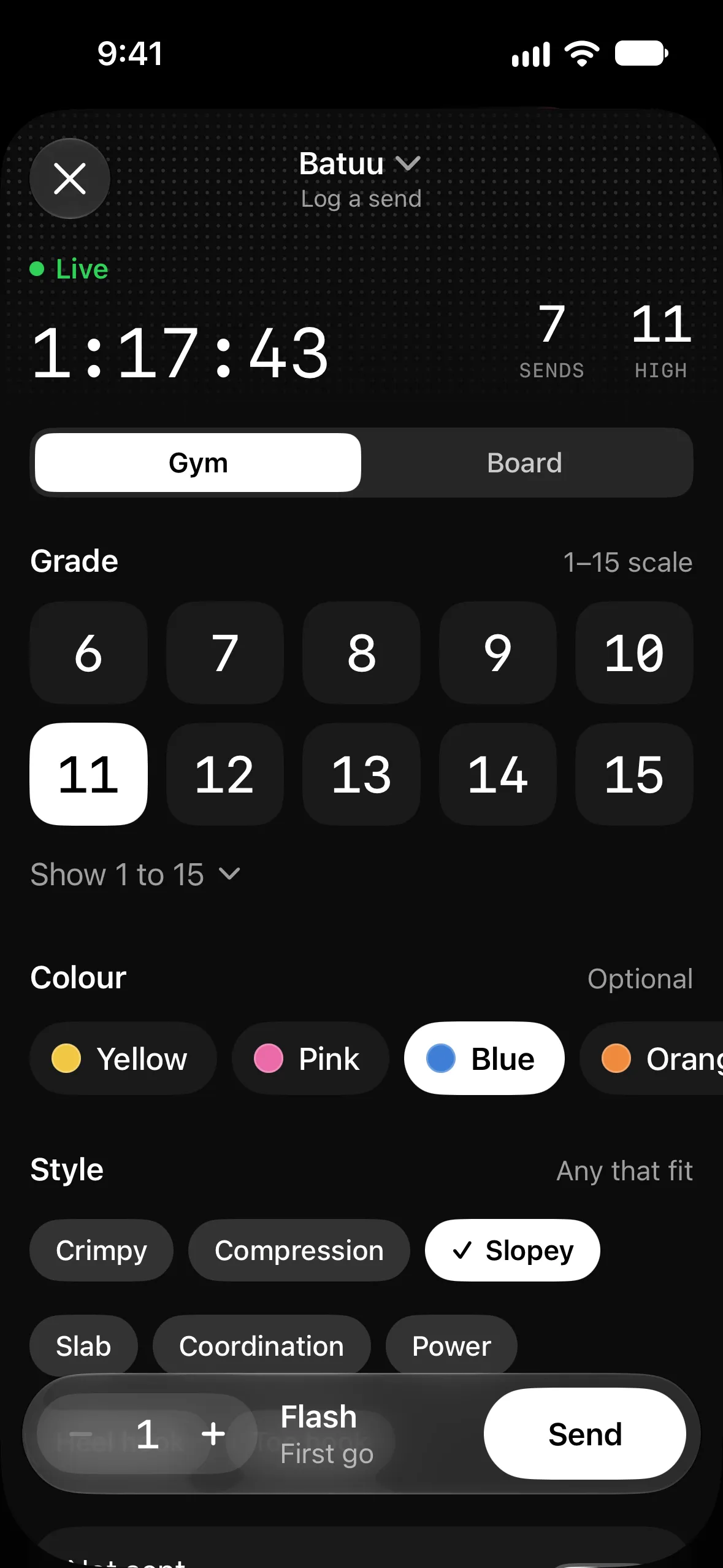
That's how Ascent works. Your whole log, gym climbs and board climbs at their angle, is one file on your iPhone, with no account and no server. Settings, then Export backup, saves it as a dated file, like ascent-2026-10-26.json, wherever you choose in Files. Import backup on a new iPhone puts everything back, and offers to export the current log first. How to log board climbs at their angle.

What Ascent doesn't do
Ascent doesn't import board climb databases or other apps' logbooks, and it doesn't control boards or light up problems. Keep using your board's own app to find and light climbs, and keep its export. Ascent records what you climbed, next to your gym sessions, in a file that's yours.